Stop using arrow keys in Neovim
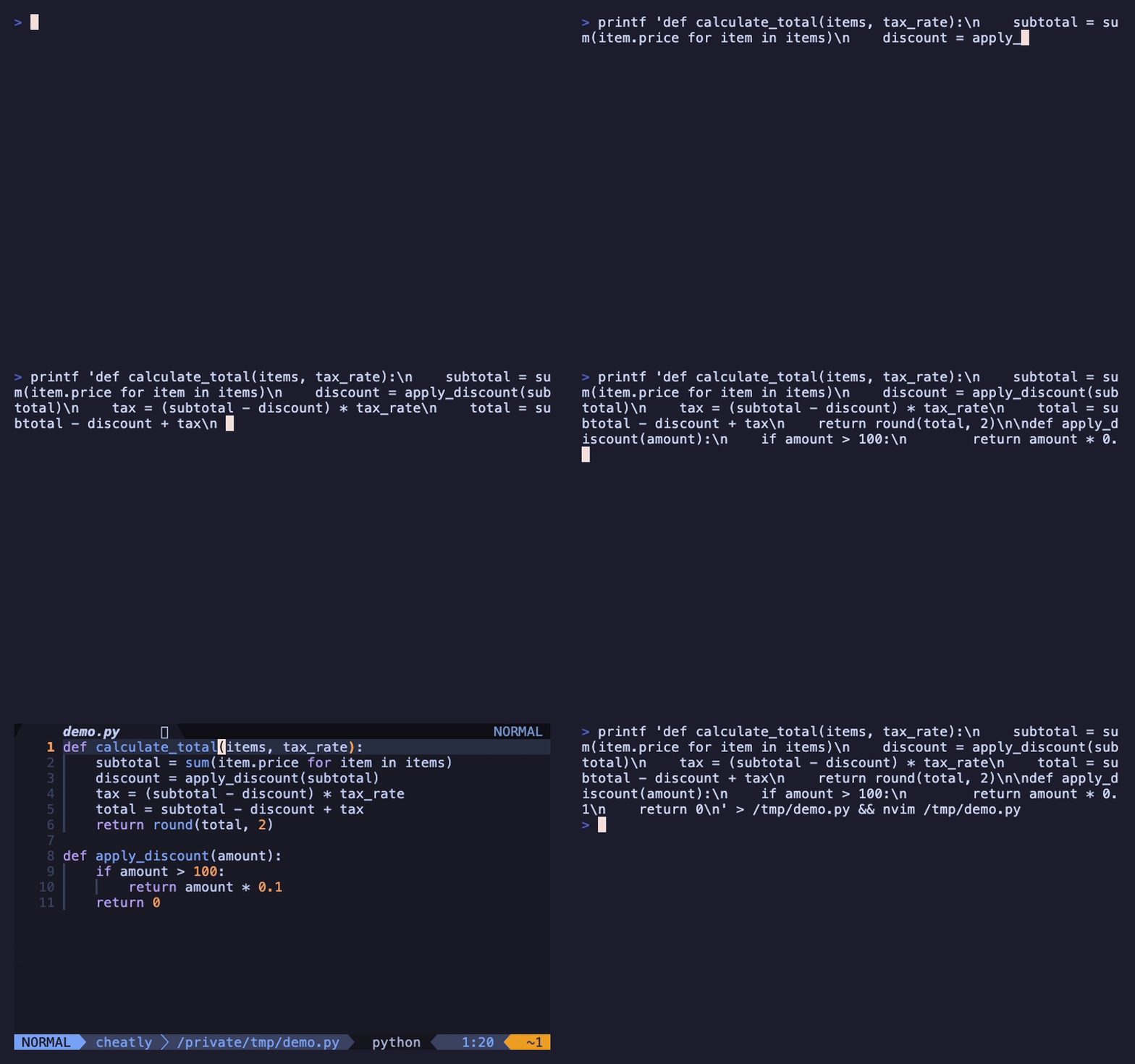
Every Neovim tutorial tells you to stop using arrow keys. It sounds like gatekeeping, but there's a real reason: the arrow keys are far from the home row. Every time you reach for them, your hands leave the position where all the other useful keys live. Hundreds of times per day.
Neovim's motion system keeps your fingers where they are and gives you something far more powerful than moving one character at a time.
h, j, k, l
The four home-row keys replace the four arrow keys.
The important part: don't hold j to scroll. If you're pressing it twenty times, there's a faster way to get where you're going.
Word motions
Moving by words instead of characters is where it starts to feel different.
Lowercase treats punctuation as word boundaries (user.name = 3 words). Uppercase only breaks on whitespace.
3w jumps three words forward, 5j moves five lines down. Works with almost every motion.Line motions
Getting to the right spot on the current line:
How to learn this
Don't learn everything at once:
- Week 1: Use
h,j,k,lexclusively. Two days of pain, then it's natural. - Week 2: Add
w,b,e,0,$. You'll immediately feel faster.
Once this is muscle memory, you're ready for the motions that change everything — f/t jumps, screen scrolling, and the composable grammar that makes Neovim users so fast.
Full reference: Neovim cheatsheet and motions deep dive.